




Google Meet Room with Native BYOD Integration
Certified Google Meet rooms, native BYOD.

Details
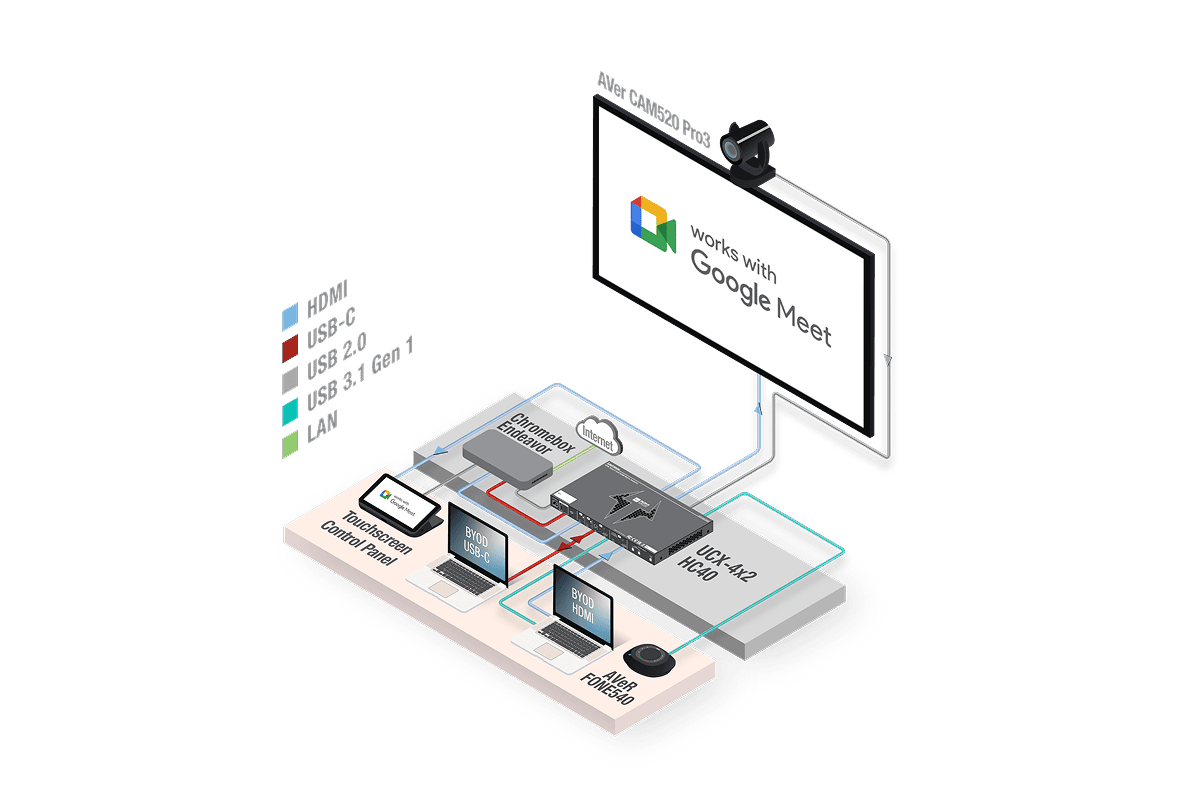
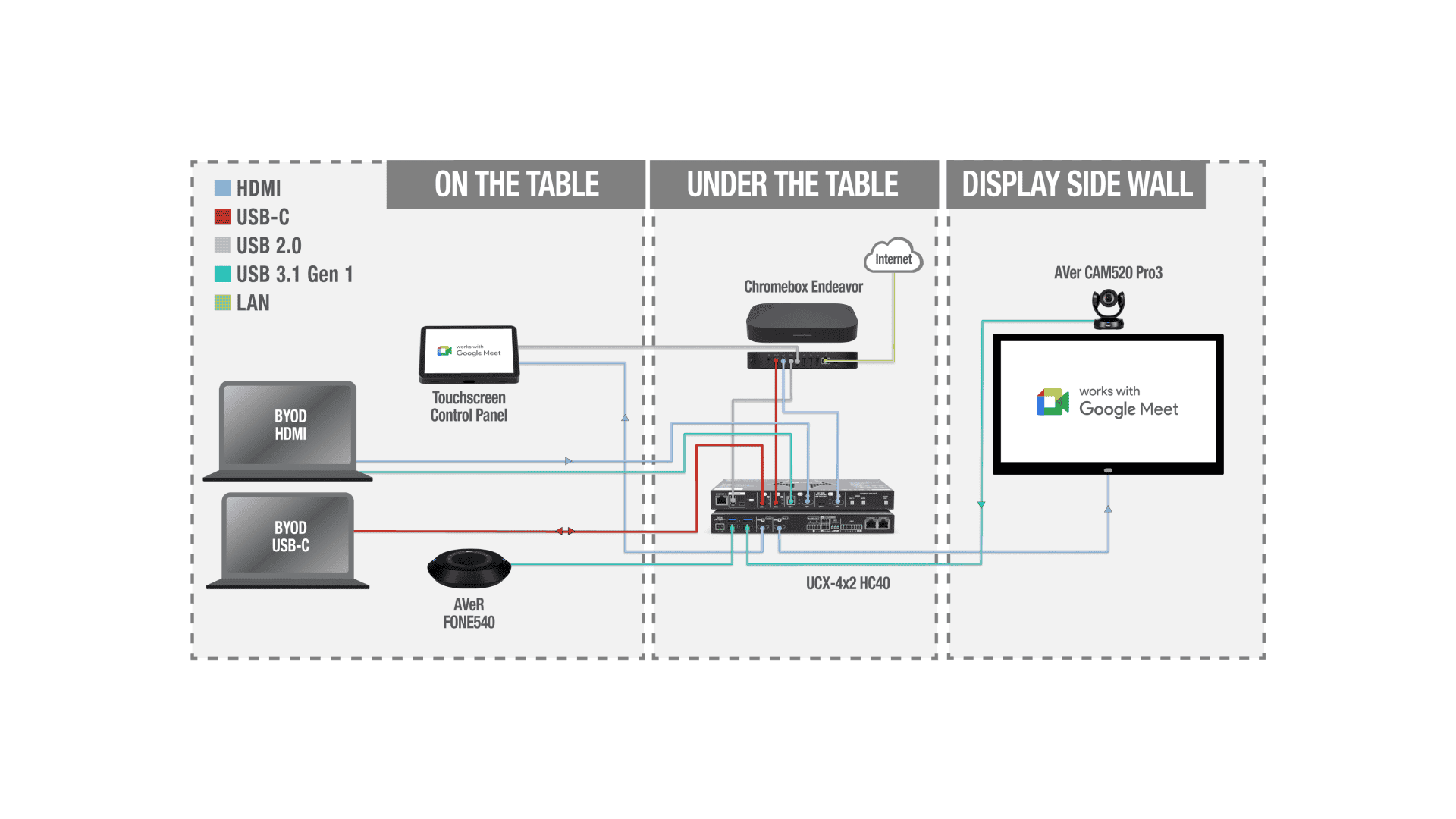
This Google Meet room solution integrates the Lightware Taurus UCX-4x2-HC40 universal switcher with a CTL Meet Compute System (Chromebox running Google Meet OS) to deliver a certified, enterprise-grade video conferencing room with native bring-your-own-device (BYOD) capability. The UCX-4x2-HC40 connects to the Chromebox via USB-only — no network connection required — enabling call-state tracking and automatic peripheral switching without introducing network security concerns or firewall dependencies.
When a Google Meet call is active, the UCX-4×2-HC40 monitors call state via USB HID communication and ensures all room peripherals (camera, microphone, speakerphone) remain under Chromebox control for stable operation. If a user connects a laptop via USB-C to the table box during an active call, the UCX does not interrupt the call. When the room is idle (no active call), a connected laptop automatically gains access to room peripherals and the display, enabling BYOD presentations or use of third-party video conferencing platforms (Zoom, Microsoft Teams, etc.). When a new Google Meet call starts, the UCX seamlessly returns peripheral control to the Chromebox.
This USB-only integration eliminates network configuration complexity — no firewall rules, no IP address management, no VLAN dependencies. The Taurus UCX-4x2-HC40 appears as a certified device in the Google Admin Console, providing IT administrators with unified visibility and device management alongside other Google Meet hardware. The solution scales easily across multiple rooms using the same architecture, supports both single-cable USB-C BYOD and legacy HDMI sources, and provides up to 100W USB-C charging per port for laptop power delivery.
Features
Native Google Meet Certification
Native Google Meet via USB HID (appears in Google Admin Console) for unified device management—no scripts or middleware required.
Call-State Aware Peripheral Switching
Call‑state aware switching toggles camera/mic/speaker between Meet and BYOD without interrupting calls; idle rooms allow instant single‑cable laptop access.
Network-Free USB Control
USB‑only connection to the Chromebox (no Ethernet) removes firewall/VLAN and network‑security issues—control runs over secure USB HID.
One Cable for Video, Data, Power
Single USB‑C via TBX‑M210‑K delivers 4K video, USB 3.1 Gen1 (5 Gbps) data and up to 100W charging; two USB‑C inputs support dual‑laptop workflows.
Reliable USB 3.1 to Remote Peripherals
Extends USB 3.1 Gen1 (5 Gbps) to wall‑mounted cameras with low latency; four Type‑A ports for cameras, speakerphones and peripherals.
Full-Bandwidth 4K Video Switching
4K@60Hz 4:4:4 switching (up to 600 MHz) with HDCP 2.2 and HDR passthrough; dual HDMI outputs for main + confidence displays.
How It Works
When the room is idle — BYOD presentation
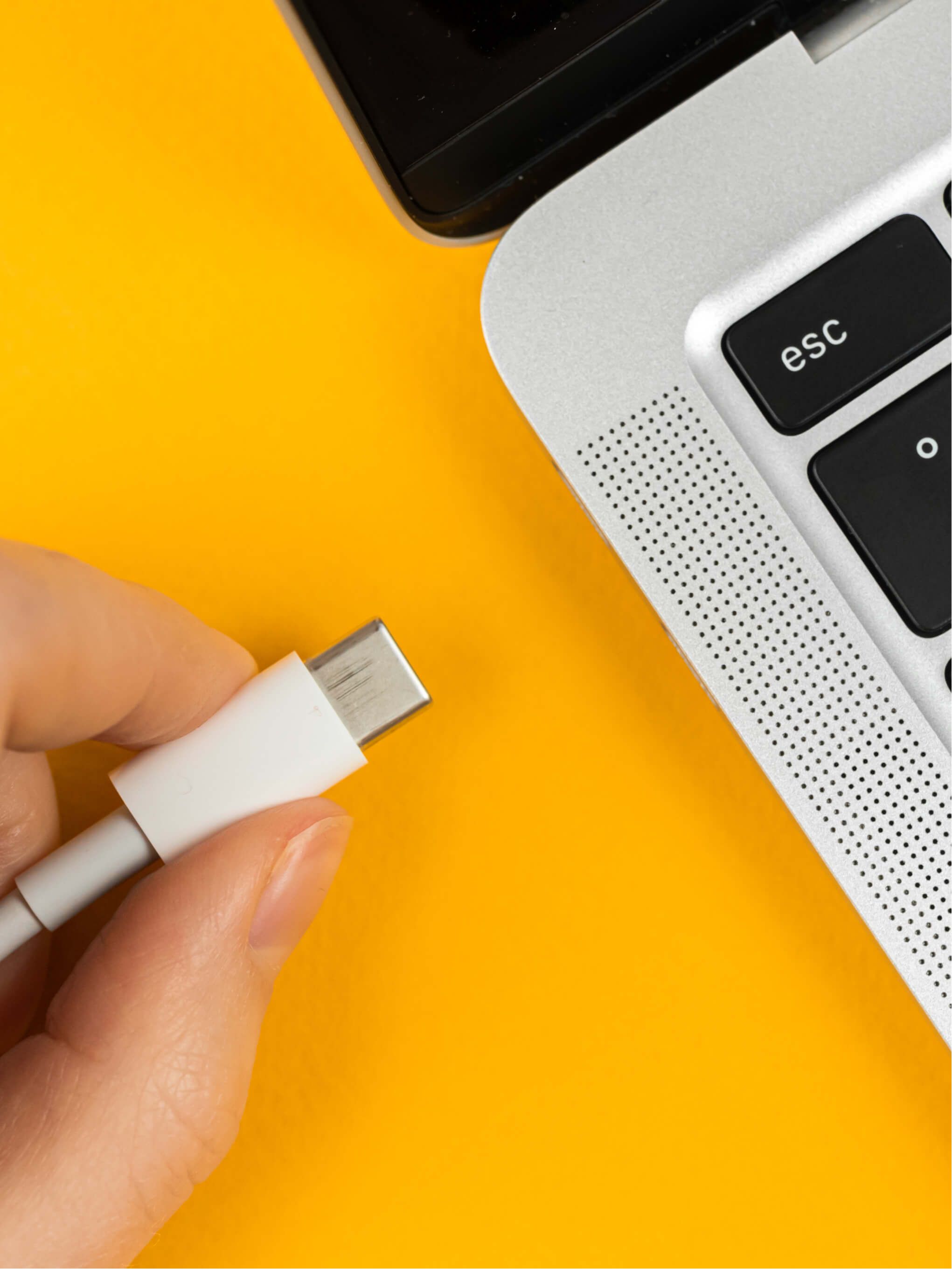
A user enters the empty meeting room and connects their laptop to the USB-C cable emerging from the TBX-M210-K table box
The laptop begins charging (up to 100W) and the UCX-4x2-HC40 detects the USB-C connection
Because no Google Meet call is active, the UCX automatically routes video from the laptop to the room display and grants USB access to the room camera and speakerphone
The user launches their preferred video conferencing app (Zoom, Teams, Webex, etc.) or presents local content — the room functions as a fully-featured BYOD workspace
If the user initiates a Google Meet call using the room's touchscreen controller or the Chromebox, the UCX seamlessly transfers peripheral control back to the Chromebox without disconnecting the laptop video signal
Scenario 2: During a Google Meet call — protected native mode
A meeting participant joins a scheduled Google Meet call using the room's touchscreen control panel
The CTL Meet Compute System (Chromebox) starts the call and communicates call state to the UCX-4x2-HC40 via USB HID protocol
The UCX locks all room peripherals (camera, mic, speakerphone) to Chromebox control, ensuring stable call operation
If another user connects a laptop via USB-C to the table box during the active call, the UCX does not interrupt peripheral routing — the laptop gains video output to a secondary display or remains on standby
When the call ends, the UCX detects the idle state and automatically grants the connected laptop access to room peripherals if no new call starts within the switch-back delay period
Multi-source presentation during a hybrid call
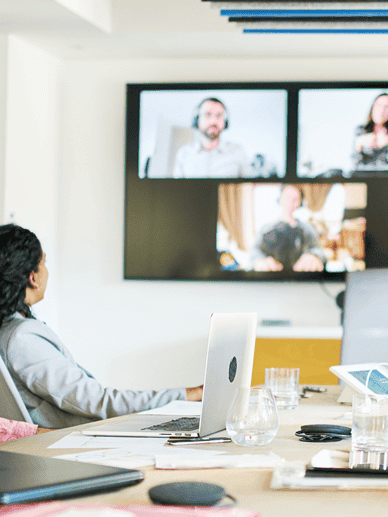
A Google Meet call is in progress with remote participants connected via the Chromebox and room camera
A presenter in the room needs to share content from their laptop — they connect via USB-C to the TBX-M210-K table box
The in-room facilitator uses the touchscreen control panel to switch the room display input from the Chromebox output to the BYOD laptop video signal
Remote participants continue to see the presenter via the room camera (still controlled by the Chromebox), while in-room participants view the laptop content on the main display
The facilitator switches back to the Chromebox output when screen sharing concludes — the call remains uninterrupted throughout the source transition
Specifications
| Recommended Room Type | |
| Room Fit | Details |
| Attendees | 4–8 people |
| Room size | Medium meeting room / 15–30 m² (160–320 sq ft) |
| Meeting type | Hybrid (Google Meet) + BYOD presentations |
| Display configuration | Single primary display (4K60 recommended) + optional confidence monitor via second HDMI output |
| Peripherals | USB 3.1 camera (wall-mounted or display-top), USB speakerphone or conference phone, touchscreen control panel (Google Meet certified), TBX-M210-K table connectivity box |
| Meeting platform | Google Meet (native) + any BYOD platform (Zoom, Teams, Webex, etc.) via USB-C laptop connection |
| Integrator complexity | Low — USB-only integration eliminates network configuration; table box pre-wires BYOD connectivity; certified devices reduce commissioning time |
| Transmission Details | |||
| Source | Destination | Signal | Distance |
| BYOD laptop (On table) | TBX-M210-K Table Box | USB-C | 0.2–0.5 m |
| Touchscreen Control Panel | TBX-M210-K Table Box | USB-C | 0.2–0.5 m |
| TBX-M210-K Table Box | UCX-4×2-HC40 | USB-C / USB | 0.3–1.5 m |
| CTL Meet Compute | UCX-4×2-HC40 | USB 2.0, LAN | 0.1–0.5 m |
| UCX-4×2-HC40 | Display side wall | HDMI, USB 3.1 Gen1 | 2–6 m |
| USB Camera | Display | USB 3.1 Gen1 | 0.1–0.5 m |
| CTL Meet Compute | Room Network | LAN | depends on rack/switch location |
| Device Connectors | |||||
| Device | Role in system | SKU | Qty | Notes | Downloads |
| UCX-4×2-HC40 | Central USB/video switcher and Google Meet integration controller | 91210088 | 1 | Requires firmware v2.7/062 or later for Google Meet integration. Google Meet certified device. Includes PSU-24V15-150 power supply, USB-C to USB-C cable, Phoenix connectors. | |
| TBX-M210-K | Table-level connectivity box with cable pass-through and AC power outlets | 91330201 | 1 | Provides convenient BYOD USB-C cable access and 2x multi-region AC power outlets for laptop charging. Requires 3.7" × 7.01" desk cutout. Alternative: TBX-M210-K (Schwa EU sockets). | |
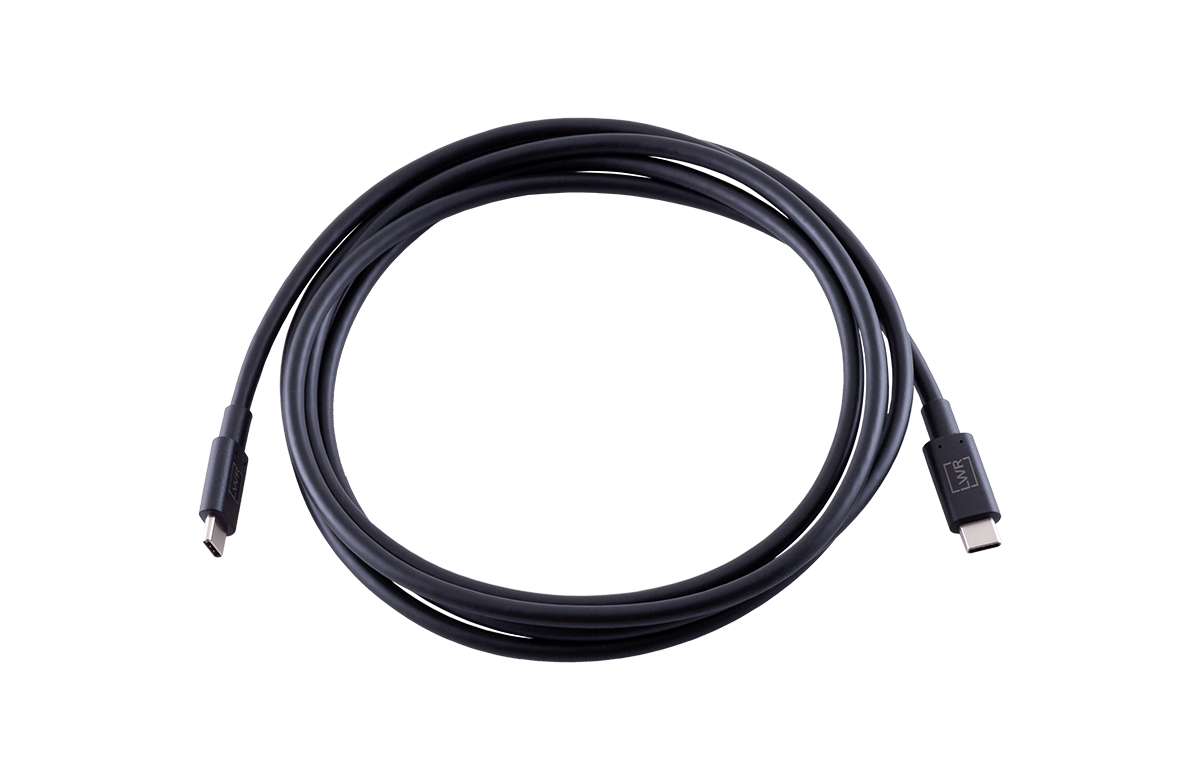
| CAB-USBC-T200A | BYOD laptop connection cable (table box to laptop connection) | 13740017 | 1 | USB3.2 Gen 1×1 (5Gbps), 3A/60 video. 60W/3A charging. Recommended for short table runs (0–2m). Compatible with C-LOCK cable flanges for secure mounting. Alternative: CAB-USBC-T300A (3m) for longer runs. | |
| CAB-HDMI20-PMS300P | Chromebox to UCX video connection cable | 13740010 | 1 | USB3.2 Gen 1×1 (5Gbps), 4K60 video, 60W/3A charging. Connects TBX-M210-K table box to UCX-4×2-HC40 under table location, alternative: CAB-HDMI20-T500P (5m) if longer distance required. | |
| CAB-HDMI20-PMS500P | UCX to display video connection cable | 12150090 | 1 | HDMI 2.0b (14Gbps), 4K60 4:4:4, HDR10, Dolby Vision, HLG. Connects UCX HDMI output to main display. Alternative: CAB-HDMI20-PMS700P (7m) if longer runs. | |
| USB 3.1 Gen1 USB-C to USB-B Cable | USB cable for Chromebox to UCX Integration (Mini Service USB connection) | 91210088 | 1 | Connects CTL Meet Compute USB-B port (USB 3.1 Gen1 receptacle) for call-state tracking and peripheral control. Supplied with UCX-4×2-HC40. | |
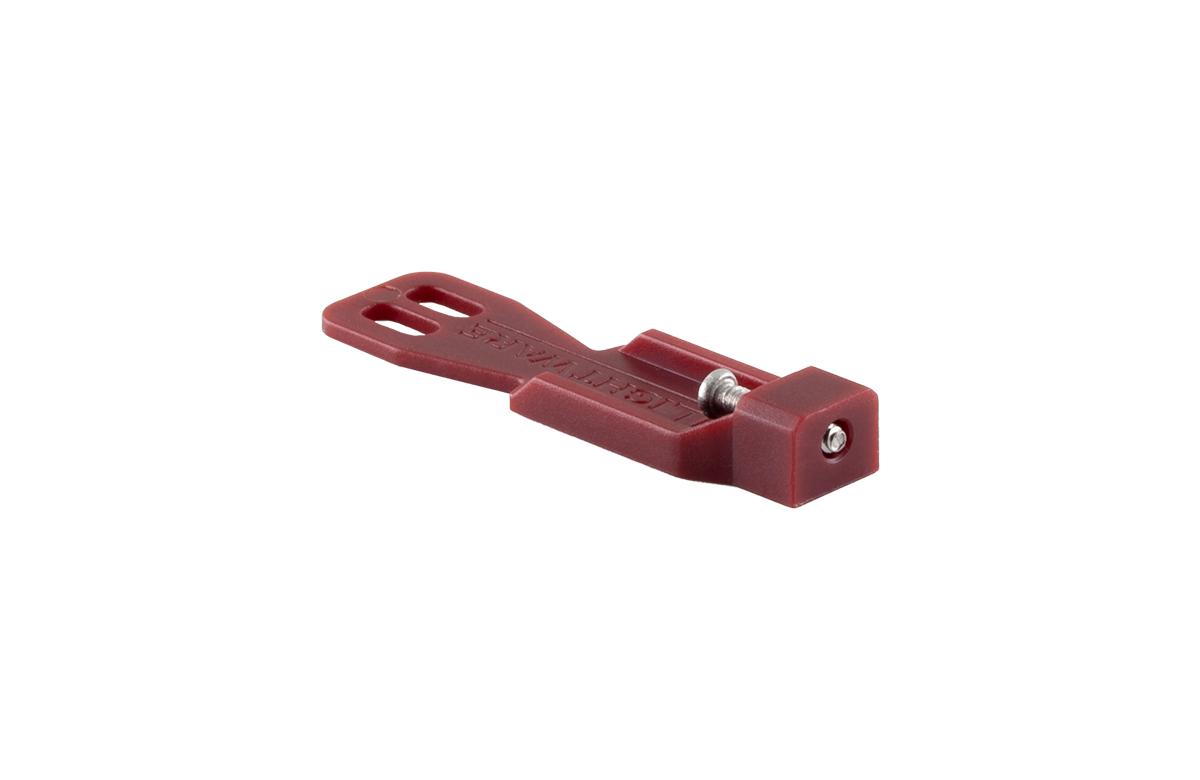
| C-LOCK | Cable retention flanges for table box USB-C ports | 53740002 | 1 | Two-point securing system for USB-C cables in TBX-M210-K cable holes, prevents accidental disconnection. | |
| Software | |||
| Name | Role in system | SKU | Downloads |
| LDC (Lightware Device ControllerHC40) | device control and configuration software | LDC | |
| LDU2 (Lightware Device Updater 2) | firmware update software | LDU2 | |
| LARA (Lightware Advanced Room Automation) | JavaScript-based room automation | LARA | |
| Third-Party Devices | ||
| Name | Role in system | Qty |
| Touchscreen Control Panel | Room control UI | 1 |
| AVer FONE540 | Room audio device | 1 |
| Chromebox Endeavor | Google Meet compute engine | 1 |
| AVer CAM520 Pro3 | Room video capture | 1 |
Related Lightware Products






9 products
Ideal for

Small & Medium Meeting Rooms
Small to medium meeting rooms requiring flexible BYOD/BYOM solutions
Download the Integration Package
You can download the connecting modules for Taurus UCX from Google’s website.
