





Real Buttons for the Room
Use LARA Wizard to generate an Elgato Stream Deck control surface for meeting rooms source selection, display power, light control, and status feedback in a ready-to-upload LARA configuration.
Built in the Wizard, Not Written in Code
Not every room needs a touch panel. Some rooms just need reliable buttons that always do the same thing. LARA Wizard now creates Stream Deck-based room control in four guided steps: choose the Lightware device, select the Stream Deck model, add room controls, place the icons, and download the configuration.
Source Selection
Four source-selection buttons per output, with support for up to two outputs.
Room Control
Add Light ON/OFF or Display ON/OFF buttons directly from the Wizard.
Display Power
Control popular display brands, or add custom commands for other displays.
Light Control
Control lights through GPIO, Serial, or Ethernet commands.
Visual Keypad Mapping
Choose an icon for each key and preview the final keypad before generating the configuration.
Status Feedback
Keys reflect real room status, selected sources, and disconnected inputs.
Pick Your Stream Deck Model, Get Its Layout
LARA Wizard builds the layout according to the selected Stream Deck model, so you only place icons where keys actually exist.
Bullets:
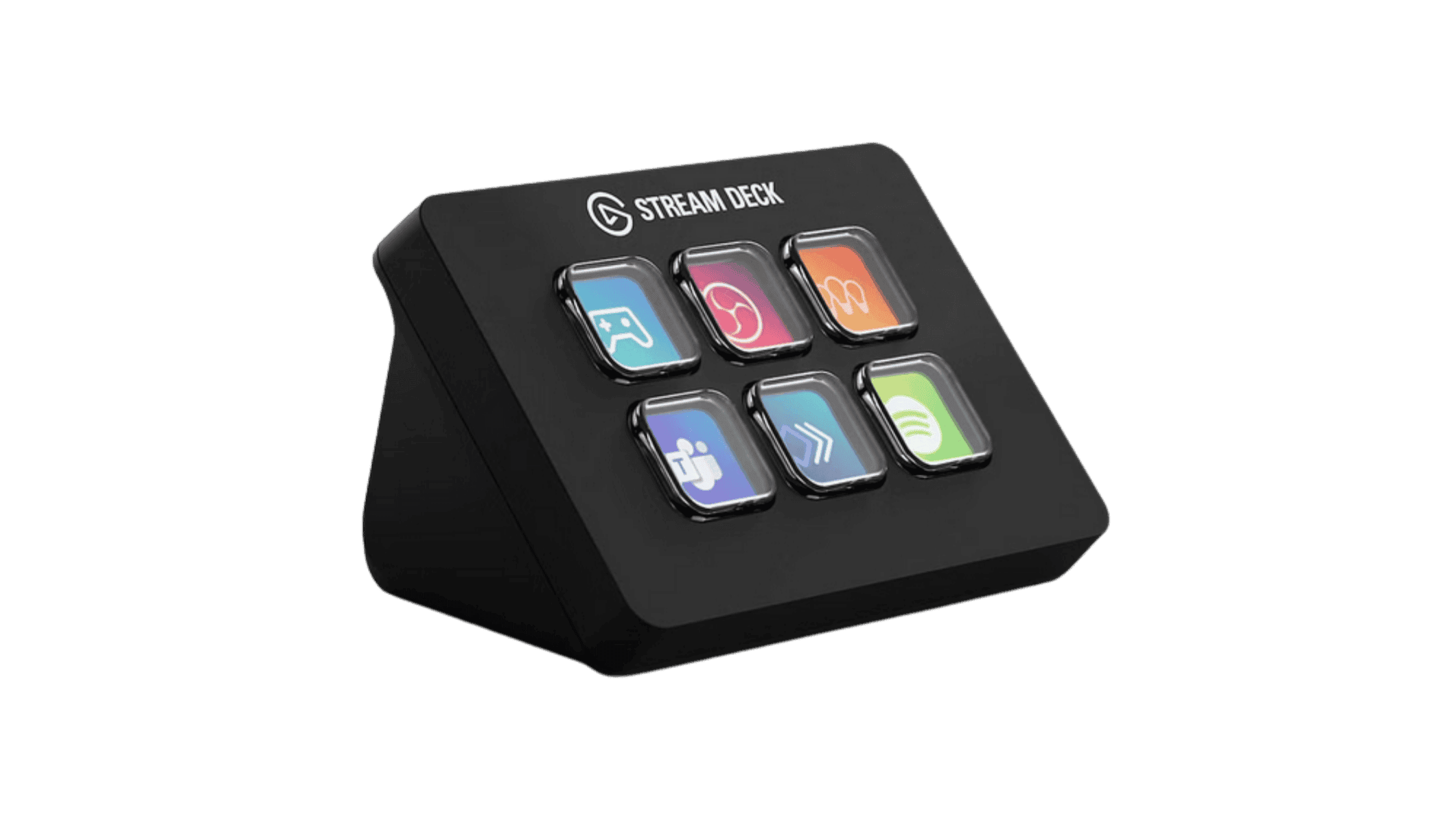
- Stream Deck Mini: 4 source keys + 2 room controls
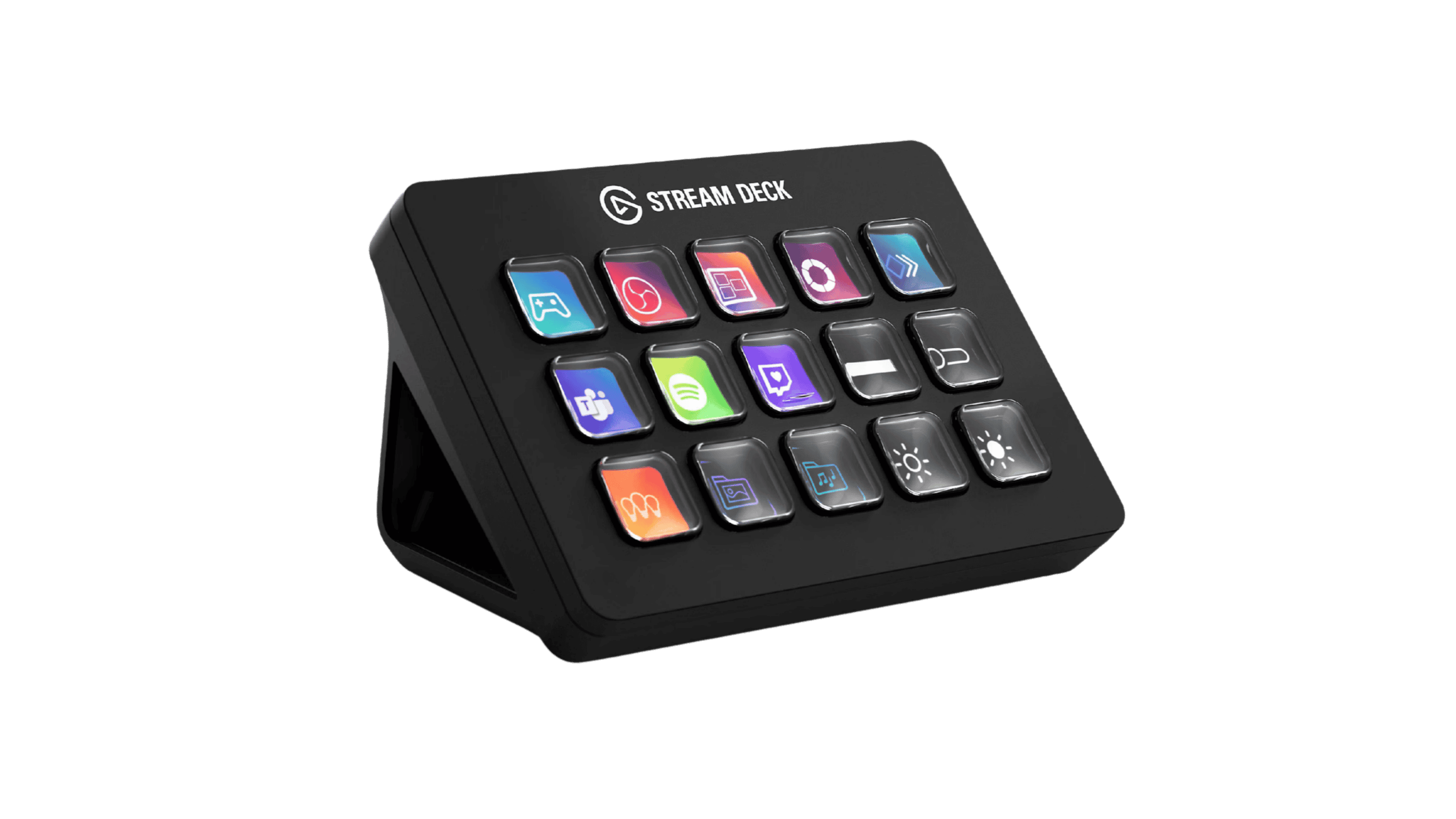
- Stream Deck Neo: 4 source keys + 4 room controls
- Stream Deck MK.2: 4 + 4 source keys across two outputs + 4 room controls

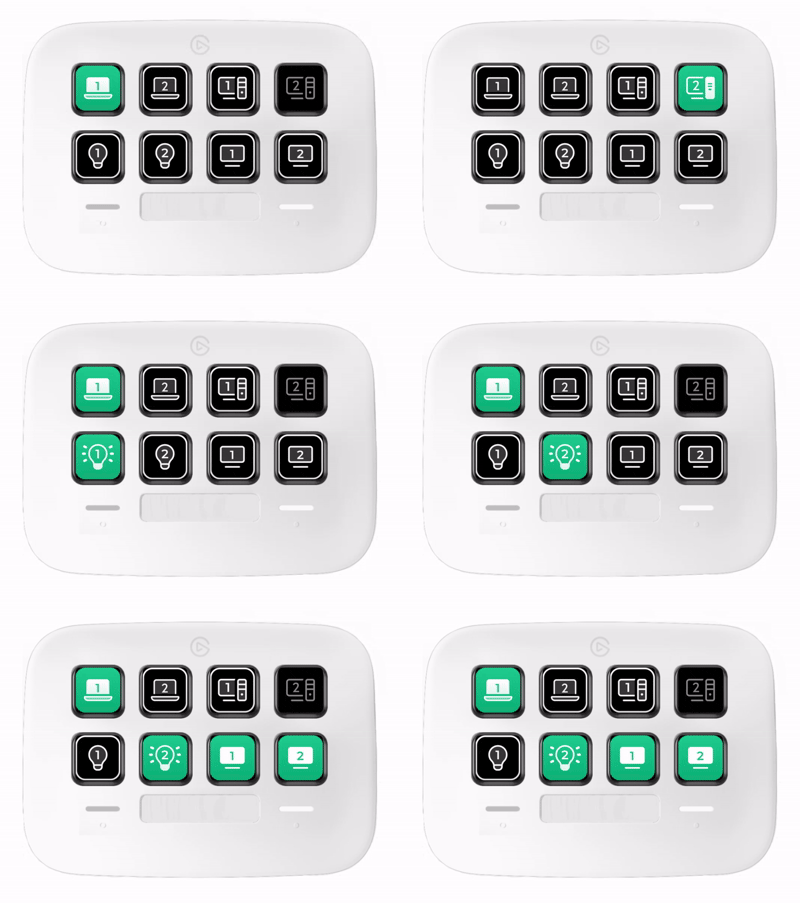
Keys That Report Back
Stream Deck keys are not just senders. A source key dims when nothing is connected, the active routed source shows its selected icon, and room control keys follow the real power state of the device they control. Users can read the room status directly from the keypad.
Place the Keypad Where the Room Needs It
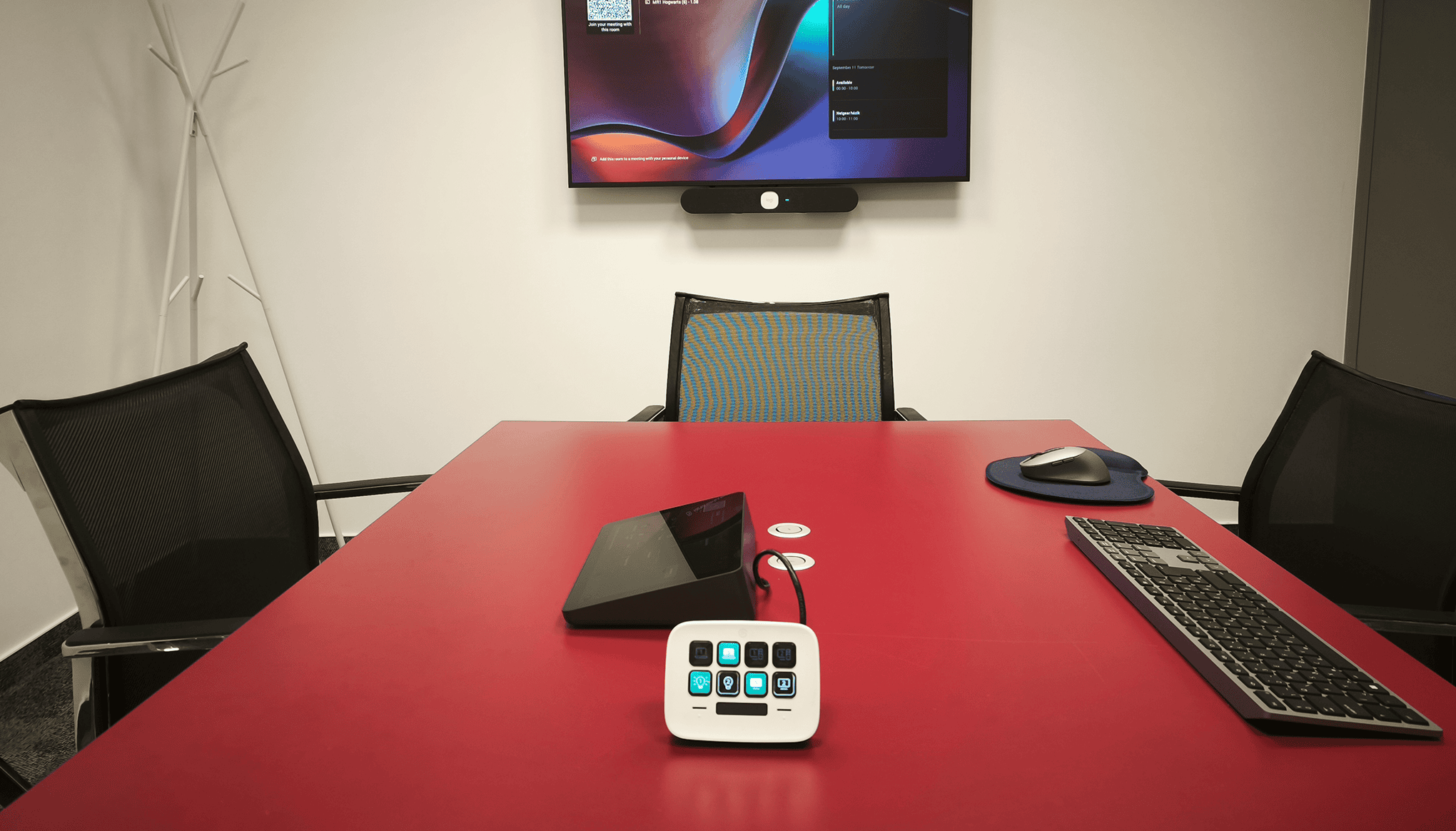
Connect the Stream Deck directly to the host device’s service USB port, or use an Elgato Network Dock to place it over the network. With the Network Dock, the USB cable-length limit is removed, and the dock IP address is shown on the Stream Deck display. If the keypad is unplugged and reconnected, it comes back automatically without restarting the configuration.
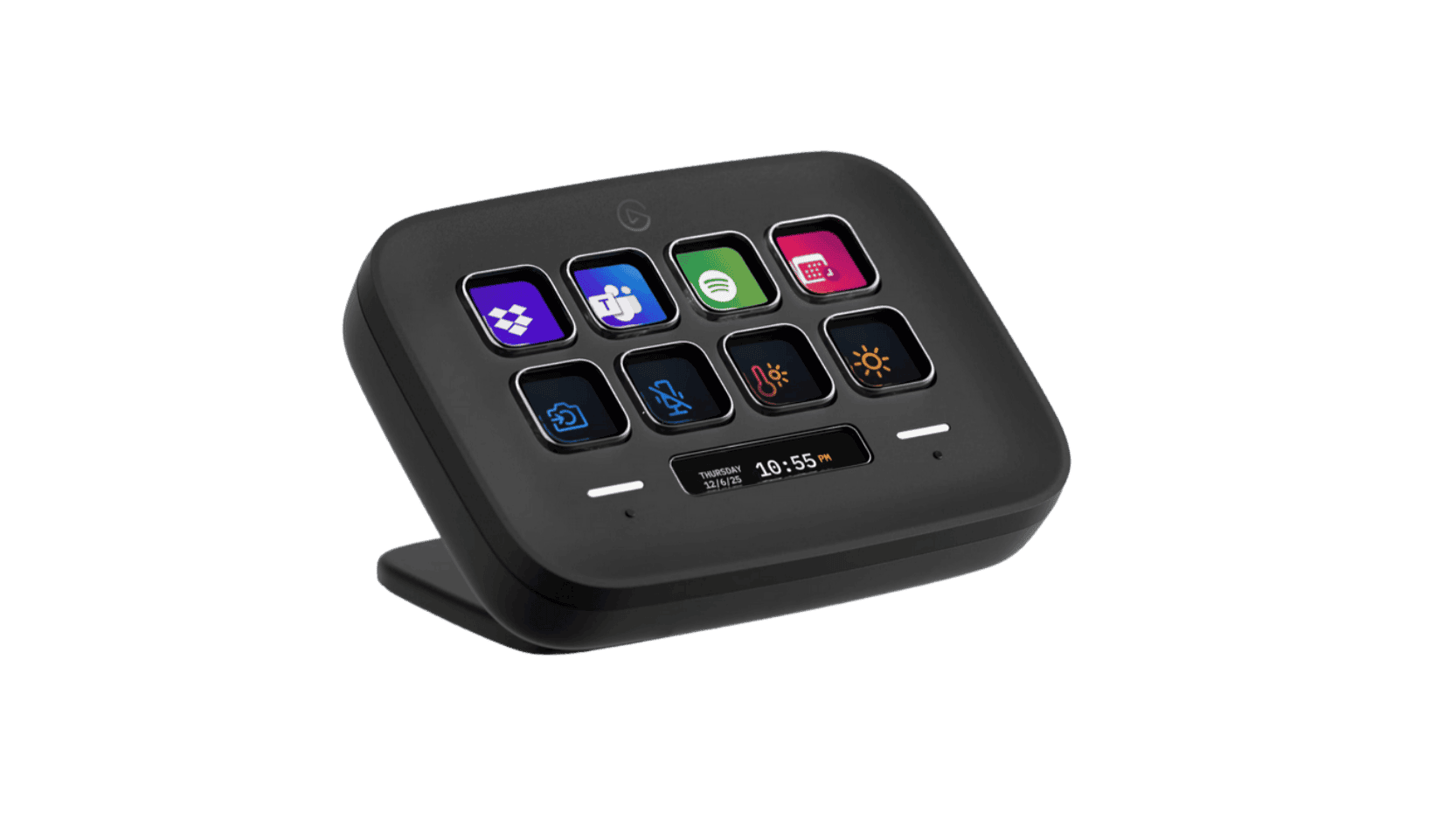
Supported Stream Deck Models
Supported Lightware Devices
Requires LARA 2.0.3 or newer, activated on the host device.
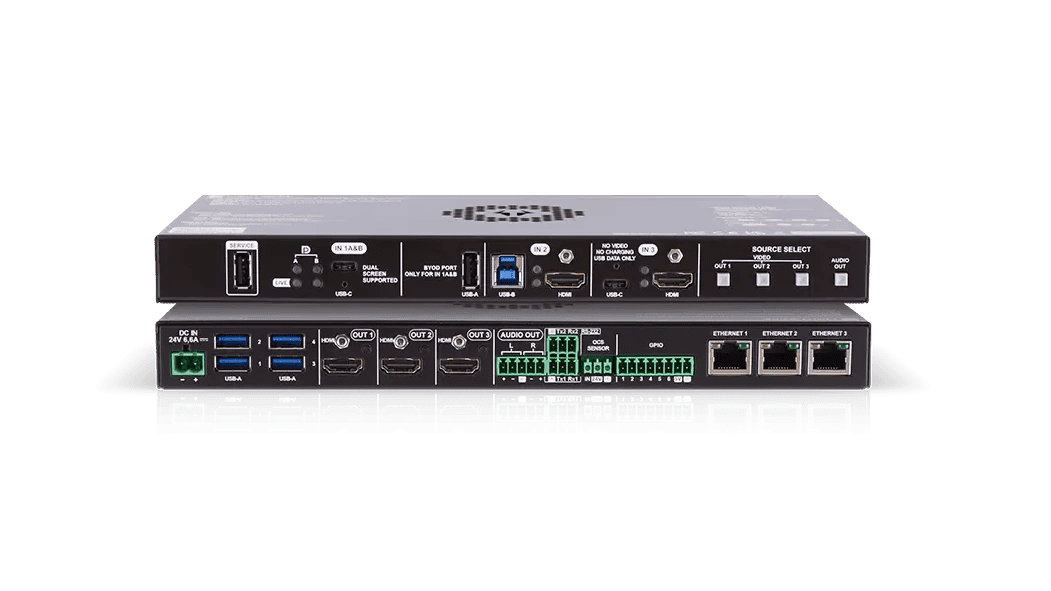
Taurus UCX Series
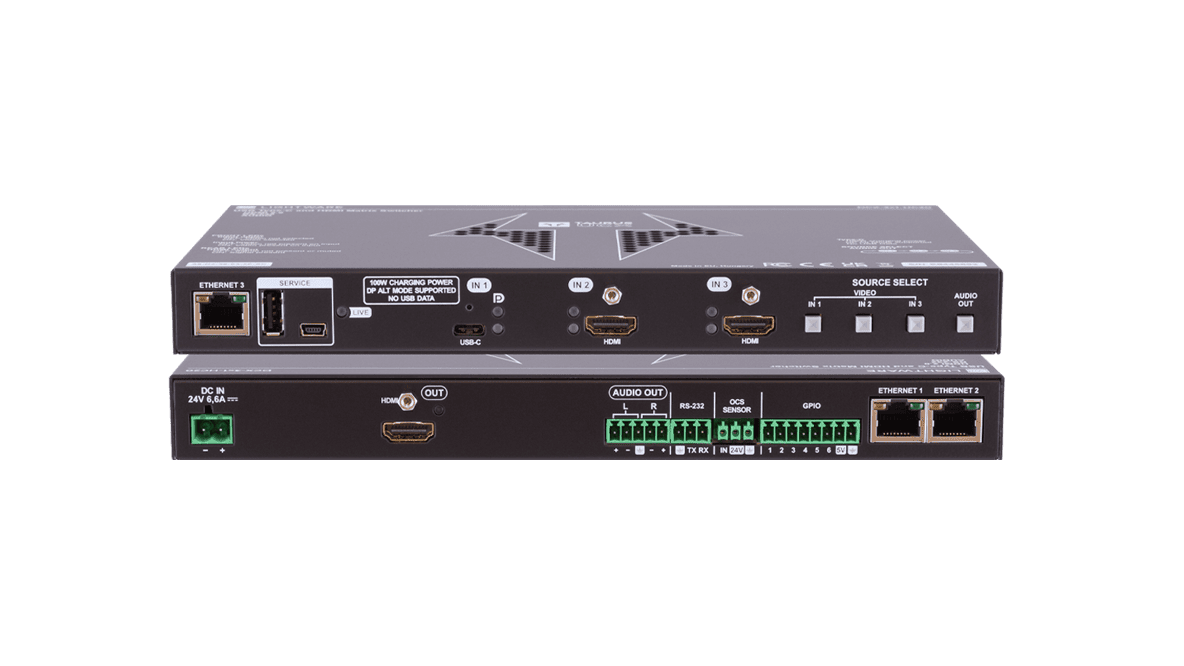
DCX Series
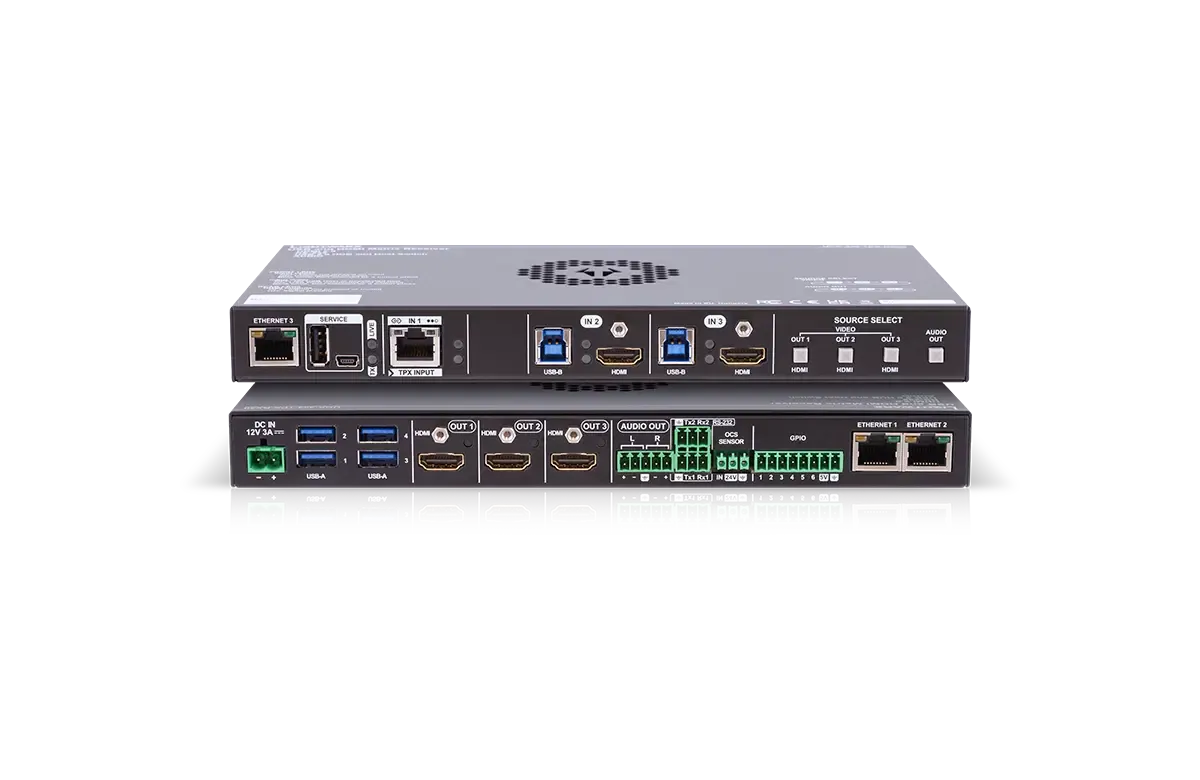
Taurus TPX Series
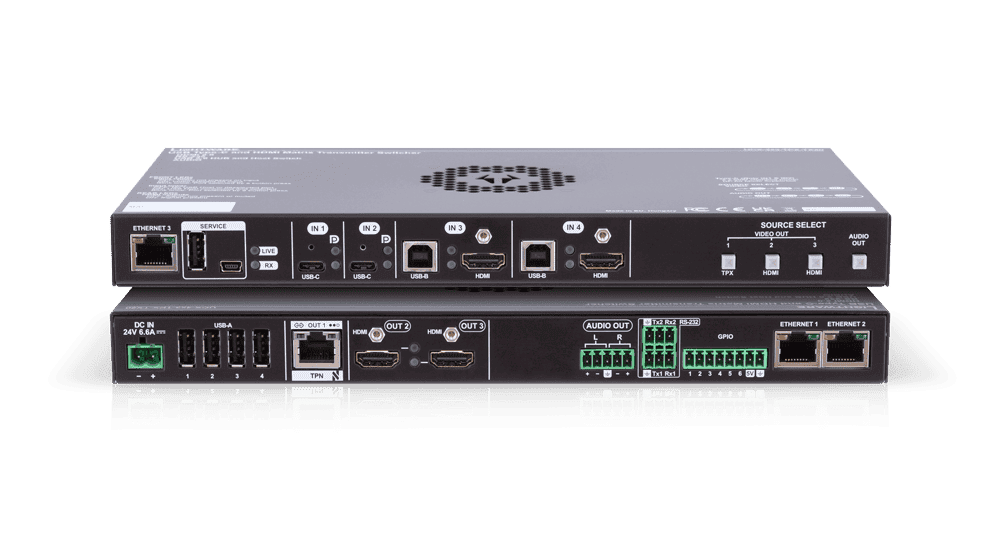
Taurus TPN Series
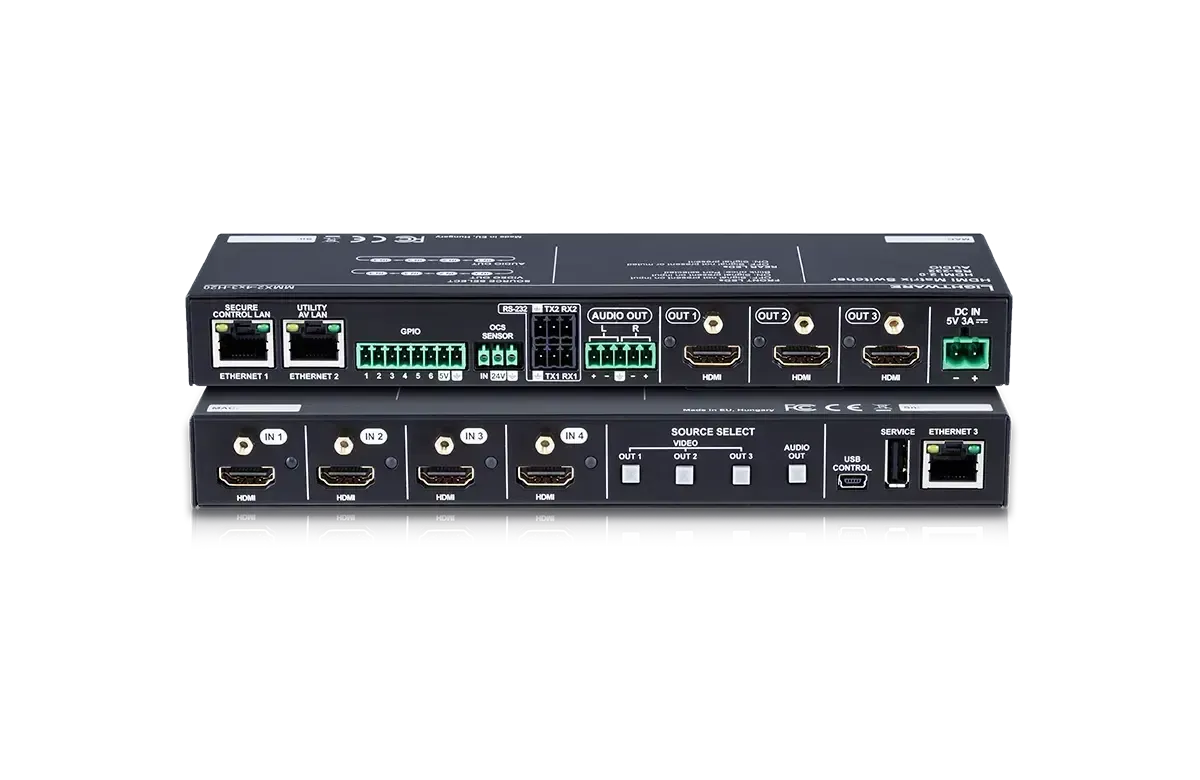
MMX2 Series
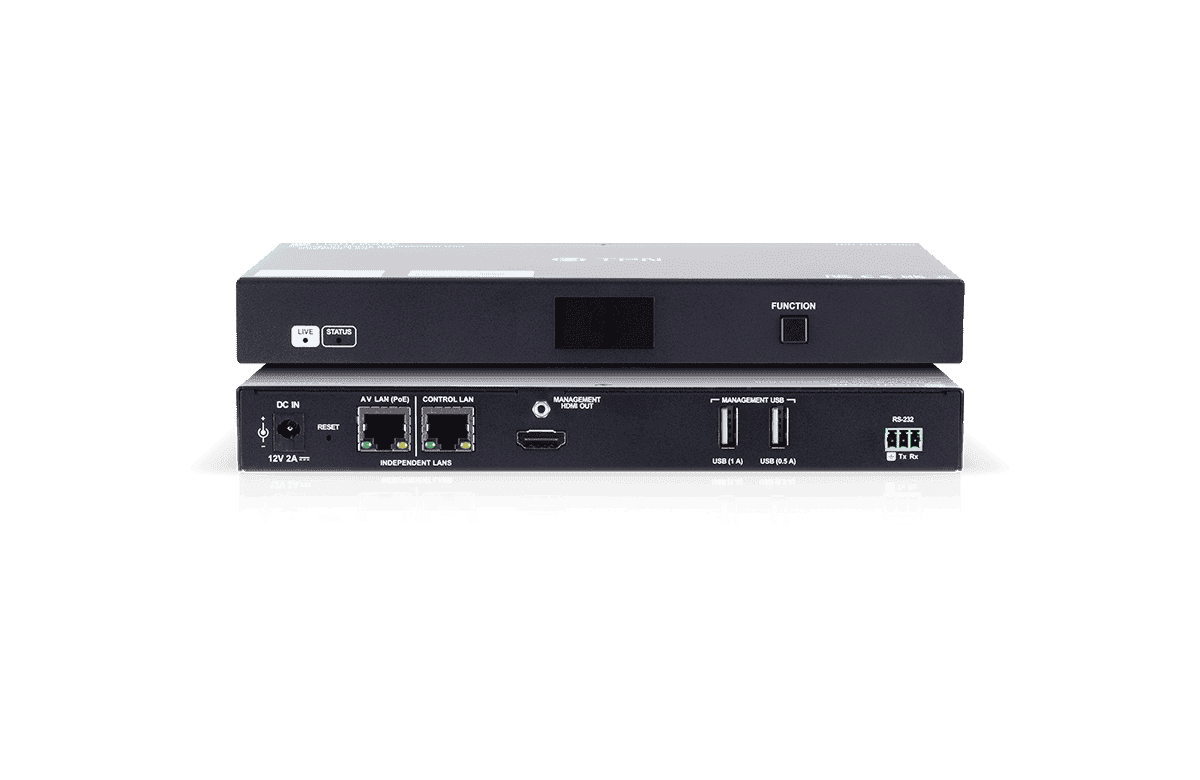
TPN-MMU-X100-20
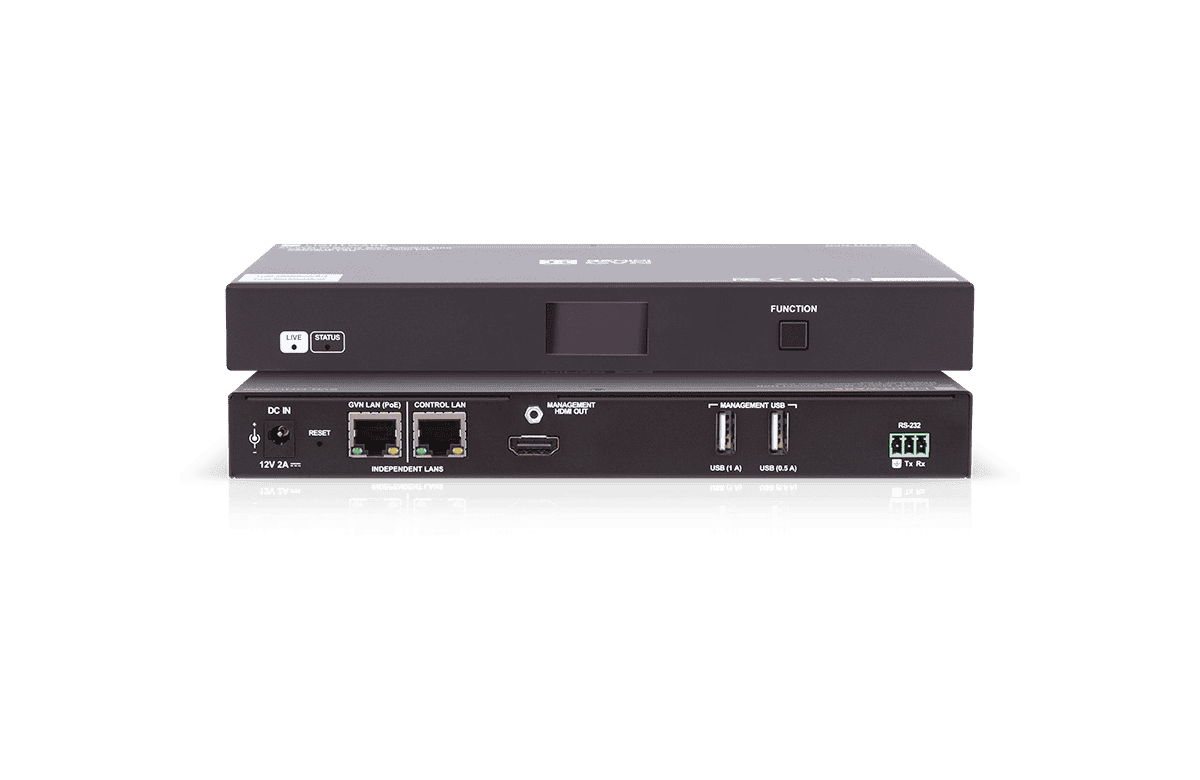
GVN-MMU-X100
Start Using LARA Wizard
LARA Wizard guides users through the configuration and generates a LARA configuration file ready to upload to the Lightware device. No modules to assemble, and no code to write.
Writing your own LARA logic instead? Use the Stream Deck driver manual for methods, events, status variables, and sample configurations.
Writing Your Own LARA Logic Instead?
Find the LARA Driver and the Application Note of the driver’s methods, events and status variables, and also a working sample source-and-room-controller configuration to build on.