




2026-06-24
Google Meet on ChromeOS Integration Package Updated with Improvements and Bugfixes
Products
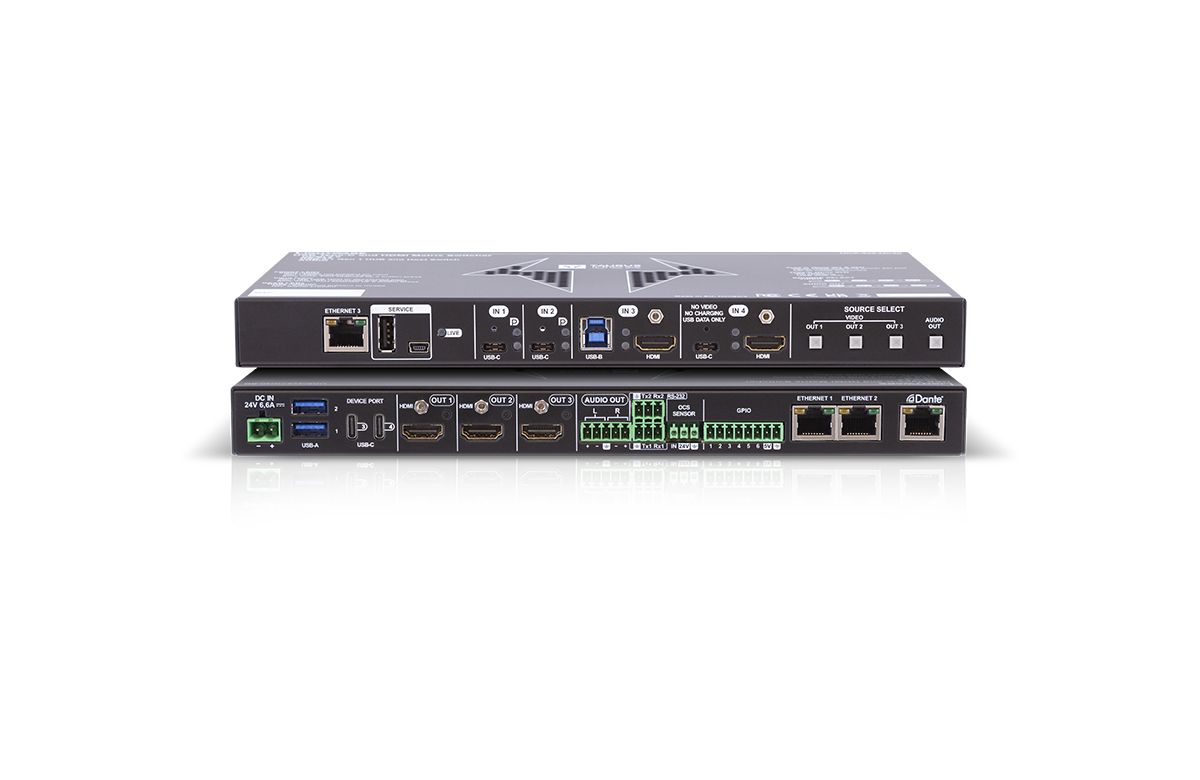
The latest Google Meet on ChromeOS integration package is now available. This update adds support for four new Works with Google Meet Taurus UCX HC60 models, introduces dual display functionality, new display control options, and includes various bugfixes.
New Features & Improvements
- Dual display mode — rooms can now drive two displays natively within the integration.
- CEC or driver-based display control — displays can be turned on and off automatically based on schedule and operation mode.
- New autoselect option 'First detect with override on mode change' (firstDetectWithOverride): — behaves as standard first-detect, but always switches to a newly connected client when a CollabPC-to-BYOD mode change is triggered. If already in BYOD mode or in a call, standard first-detect behaviour applies. This also prevents unintended BYOD mode changes when one of two connected clients disconnects.
- Optimized EDIDs — new 4Kp30 and Full HD p60 EDIDs (both without audio) added alongside the display-based EDID option.
- Renamed EDID — the 1080p60 EDID assigned to the capture card has been renamed to 'Content-Audio' for clarity.
- Output 5V mode — O1 and O2 Output5VMode set to ON instead of Auto.
- Updated Google Meet driver module — certain elements have been locked for stability.
- Reliable initial crosspoint setup — added to ensure consistent state on startup.
- Nightly reboot option — administrators can now schedule a nightly reboot for maintenance purposes.
Bugfixes
The following issues have been resolved in this release:
- USB interruption between UCX and GMH causing incorrect crosspoint state during fallback switchover
- Rapid signal changes (unplug/re-plug) in BYOD mode preventing the expected operating mode
- Incorrect EDID delivered to clients when returning from Fallback to CollabPC mode
- GMH occasionally starting in BYOD mode after boot/restart with no client connected
- Pressing "Return to Google Meet" on the touchscreen before BYOD switch completes causing inconsistent state
- In dual display mode, GMH primary output incorrectly routed to the secondary display
- Shared content not visible in CollabPC mode immediately after LARA restart
- In fallback mode, connected clients not receiving USB devices or appearing on displays
- Incorrect GMH connection status detected by LARA after UCX restart
- Users unable to share content during an ongoing call right after UCX restart
- Displays/projectors not responding to STANDBY CEC — TURN OFF command added as fallback
- Displays not turning on in certain cases
After BYOD switchover, the Google Meet Collaboration PC incorrectly receiving a false "client disconnected" status
How to Upgrade
To update your system, follow the Configuration update instructions in the Google Meet Hardware integration installation and upgrade manual, included in the downloadables package.
Download the Package
Related Products
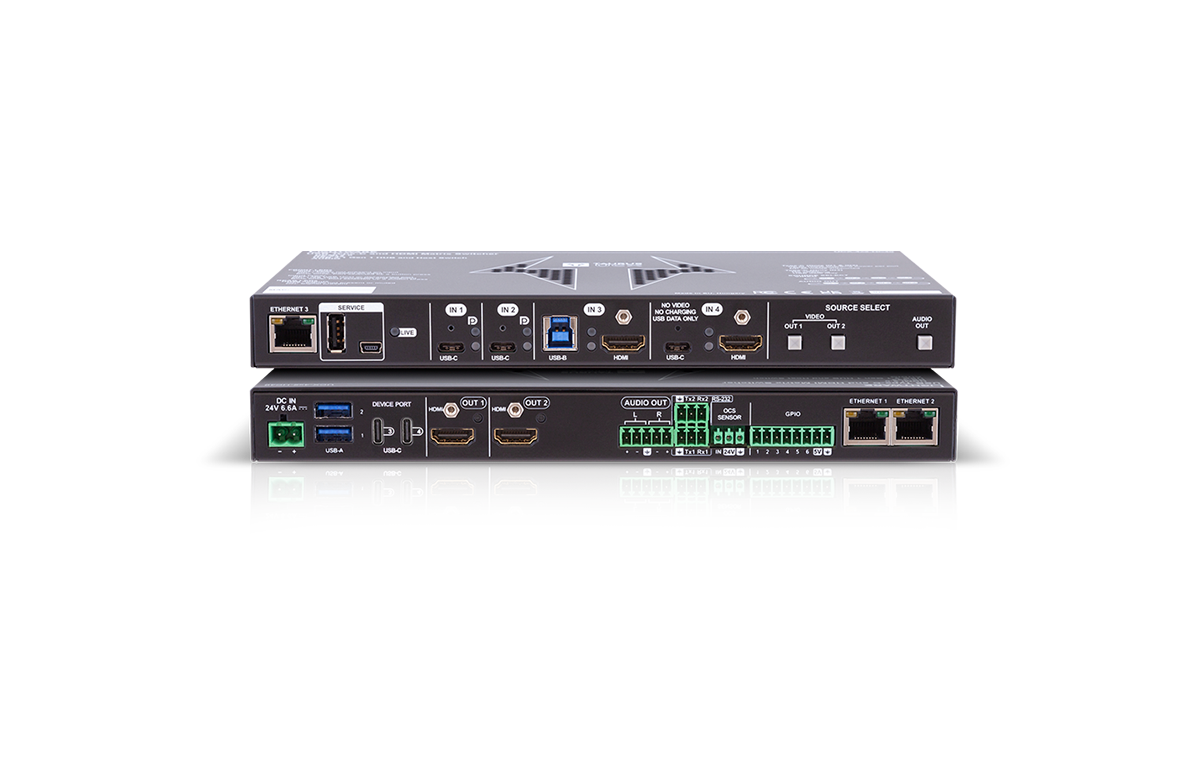
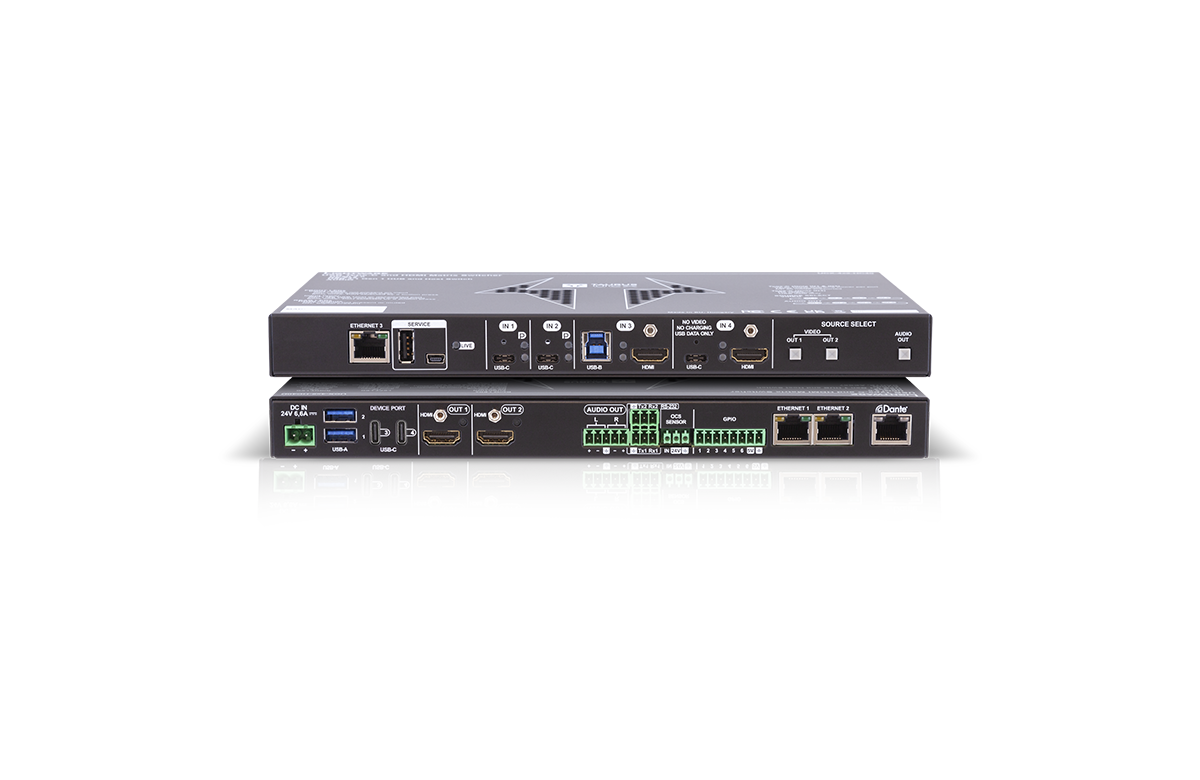
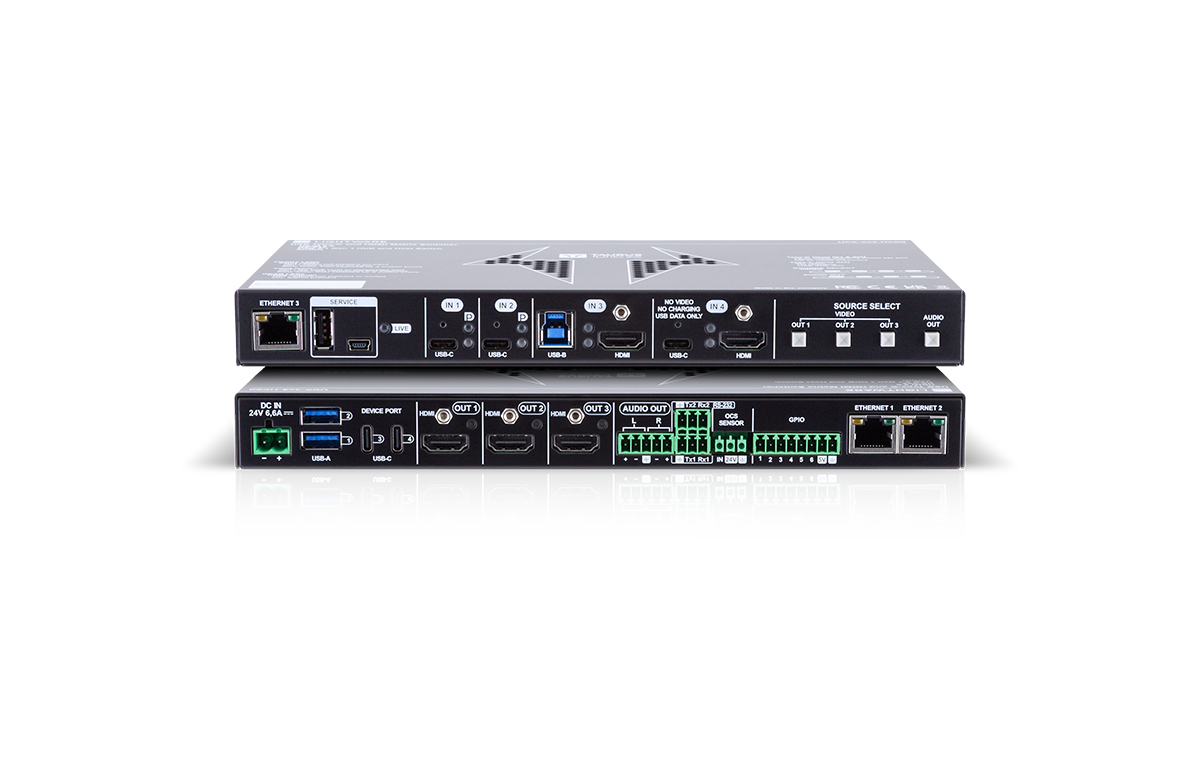
4 products
Google Meet Integration
Elevate your Google Meet Hardware Kit with Lightware Taurus UCX, delivering BYOD, automation on ChromeOS.
