





LARA Wizard Touchpanel Configuration Gets A Major Upgrade
A major update brings faster setup, richer customisation, and a more polished out-of-the-box user experience.
Lightware is introducing the biggest update yet to the LARA Wizard Touchpanel configuration experience, designed to help integrators work faster while delivering a more professional end-user interface. The update focuses on practical improvements that reflect common room setups, with more control, clearer visuals, and easier deployment.
More Screens, More Themes
A key addition is Dual Display Control, allowing integrators to configure two video outputs from a single touchpanel, with independent display settings per output. This supports the most common real-world spaces where two monitors either the same type or different types are used, removing the need for workarounds.
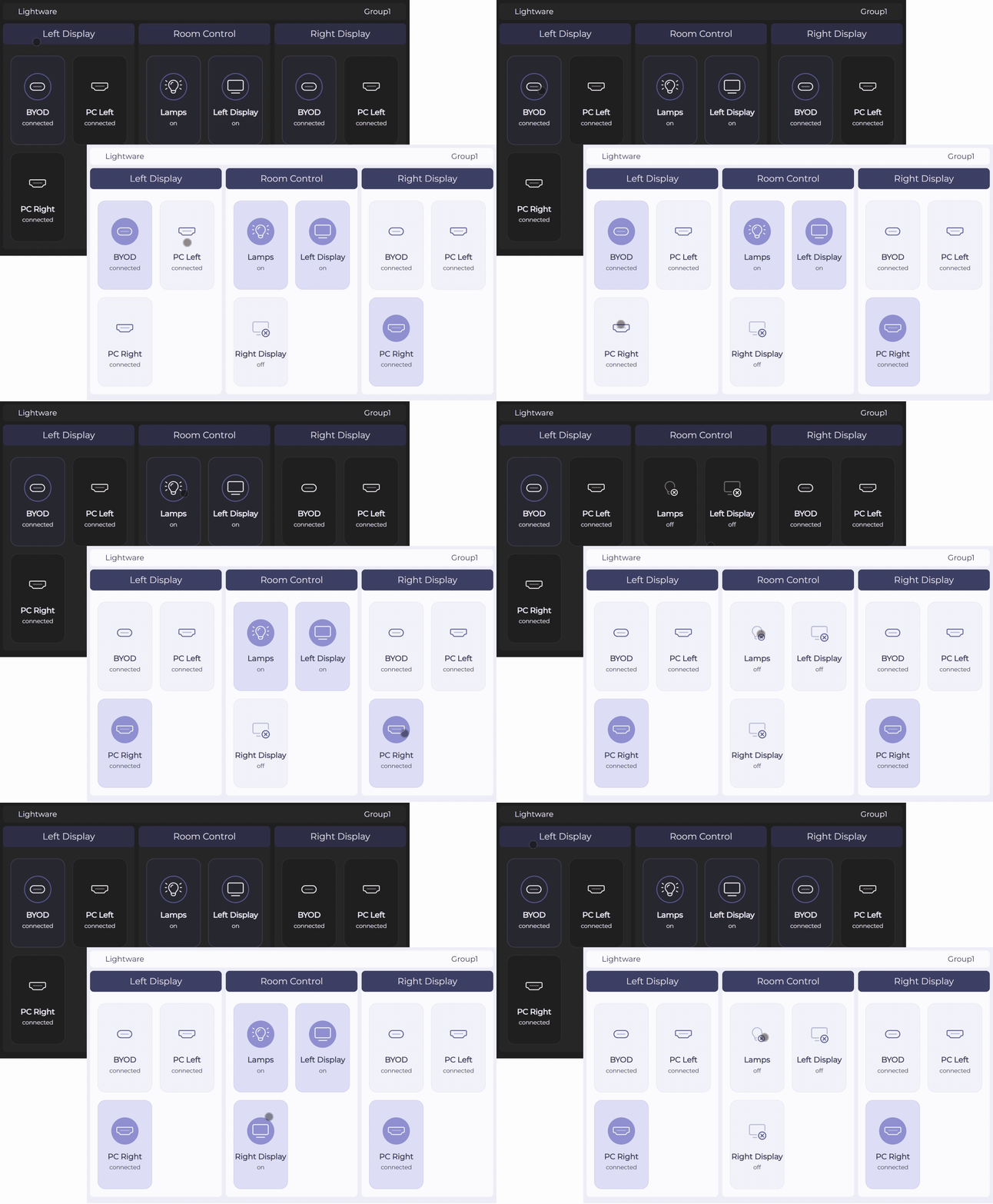
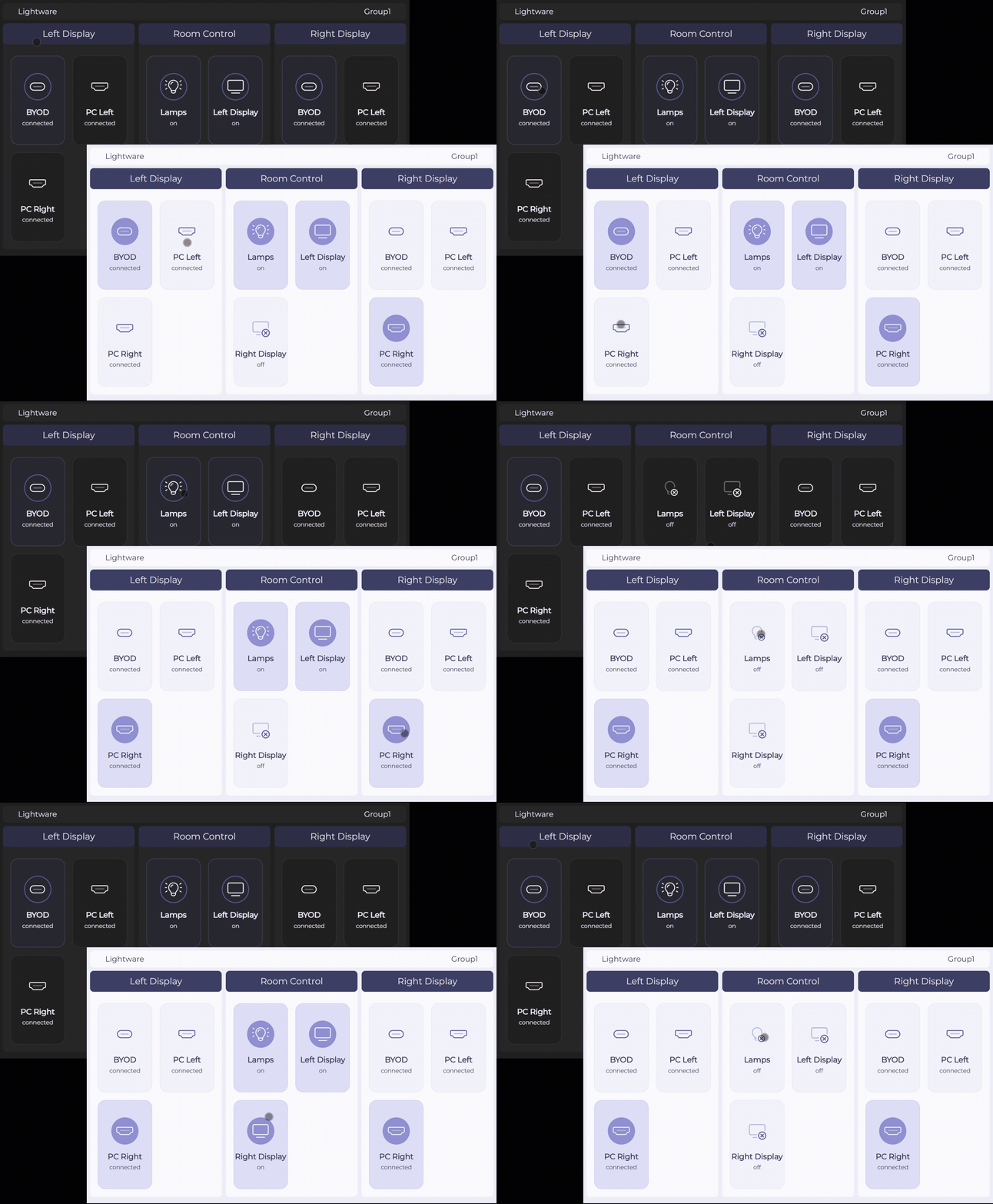
The Wizard also adds Light and Dark themes via a simple in-Wizard switch, helping match the touchpanel UI to ambient lighting or brand preference while keeping buttons and labels readable. For stronger visual identity, Custom Company Branding is now supported, with logo upload, preview, and delete fully integrated directly within the Wizard.
Preview, Control, and Automate
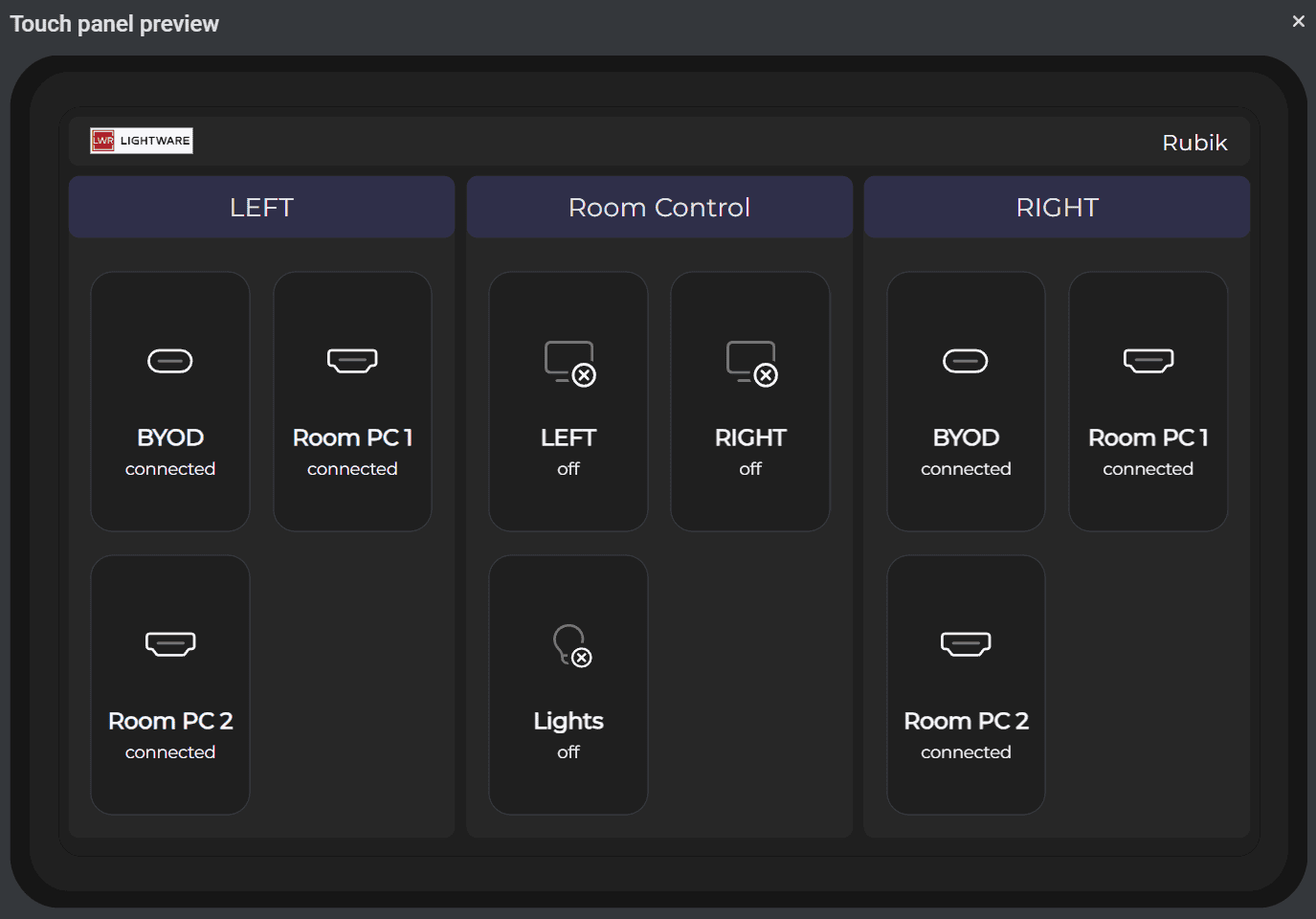
To streamline configuration before deployment, the update introduces a Live Touchpanel Preview in a pop-up window. Integrators can confirm layout, spot label mistakes, and verify branding before generating and uploading any files to a device.
New Room Control Buttons support up to four toggle buttons with live status feedback, using GPIO, Serial, Ethernet, or CEC control. This enables end users to manage room equipment such as lights, displays, or projectors directly from the touchpanel. In addition, Scheduled Display Shutdown adds a time-of-day power-off option for automatic shutdown at a specific time (for example, end of business hours), alongside the existing timer-based option.
The update also extends Smart Auto-Select to both outputs, intelligently routing active sources to displays to reduce manual switching and improve meeting start. A refreshed UI design completes the release with a modern, professional look, including dual source selection for up to four inputs, room control blocks, and clean Light/Dark scene rendering.