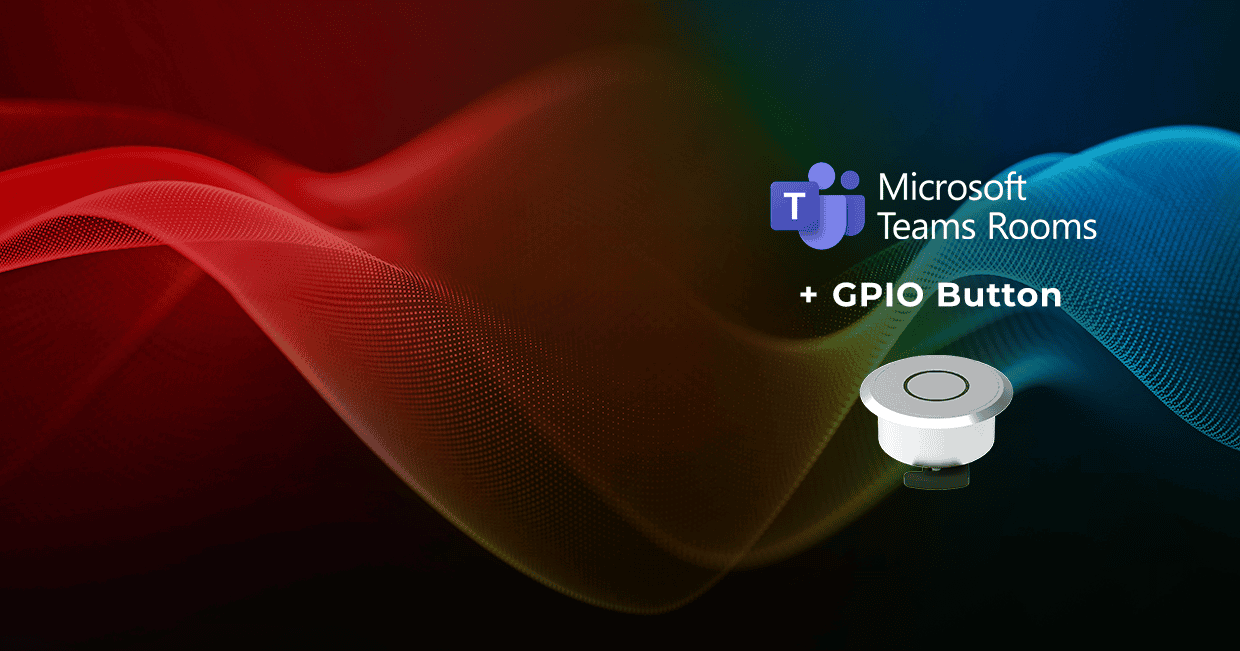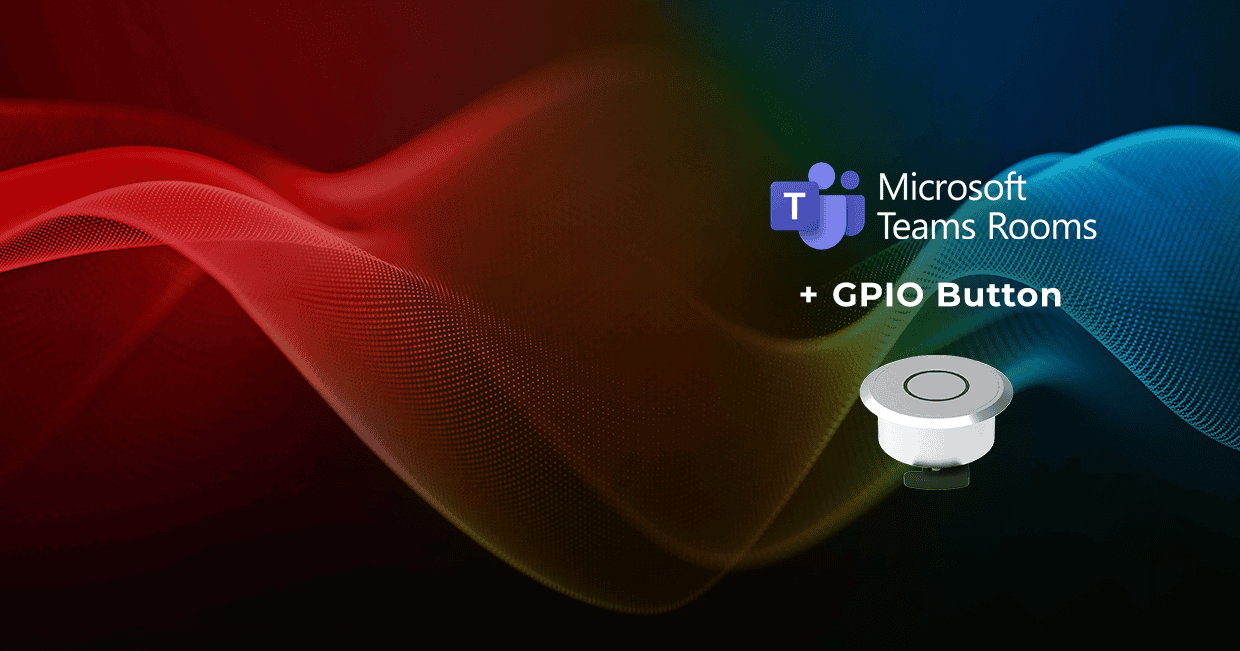
We bring simple physical MTR/BYOD switching to MTRoW with GPIO Button control
We are introducing GPIO Button control for its Microsoft Teams Rooms on Windows (MTRoW) integration, giving users a simple, one-touch way to switch between the native Microsoft Teams Rooms system and BYOD operation with a physical button.
Meeting rooms increasingly need to accommodate different users and meeting scenarios. For presentations, guest meetings, or sessions using alternative conferencing platforms, users may need to connect their own laptop to use the room’s camera, microphone, speakers and displays. We already support both Microsoft Teams Rooms and BYOD workflows through our Taurus UCX and TPX platforms. The addition of GPIO Button control gives users direct physical control over which operating mode they want to use, without requiring the Companion App or Microsoft Teams call-status monitoring. This provides a reliable, always-available control method that can help simplify room operation and reduce support requirements, while remaining independent of network connectivity and background service states.
The dedicated GPIO Button connects directly to the Taurus UCX and allows users to switch between MTR system mode and BYOD system mode with a single press. Optional LED feedback can also provide an immediate visual indication of the active mode.
“Meeting rooms need to accommodate different users and workflows without making the experience more complicated. With GPIO Button control, users have a familiar physical way to decide how they want to use the room. They can simply connect their laptop when needed and switch directly between the Microsoft Teams Rooms system and BYOD operation.”
- says Gergely Vida, CEO at Lightware.

In MTR system mode, the room operates through its dedicated Microsoft Teams Rooms PC. When the user switches to BYOD system mode, the connected laptop can take control of the room’s displays and USB peripherals, allowing the same meeting-room technology to be used with alternative conferencing or presentation applications.
Behind the physical interface, Lightware Advanced Room Automation (LARA) manages the required switching and routing within the system. This ensures that the appropriate video and USB resources are assigned automatically when the user changes operating mode, while keeping the experience at room level simple and predictable.
GPIO-based operation works independently as a standalone control method. While the GPIO button ensures rock-solid reliability and trouble-free operation in any room, the optional Companion App can provide added convenience – such as automated switching based on Microsoft Teams call status – subject to the applicable software installation terms and disclaimers.
By adding physical GPIO Button control to our Microsoft Teams Rooms on Windows integration, we are giving users more choice over how they interact with the room. concludes Vida. “The underlying technology can remain sophisticated, while switching between MTR and BYOD operation is reduced to a straightforward button press.
- concludes Vida.
Discover More
Lightware is introducing GPIO Button control for its Microsoft Teams Rooms on Windows (MTRoW) integration, giving users a simple, one-touch way to switch between the native Microsoft Teams Rooms system and BYOD operation with a physical button.